
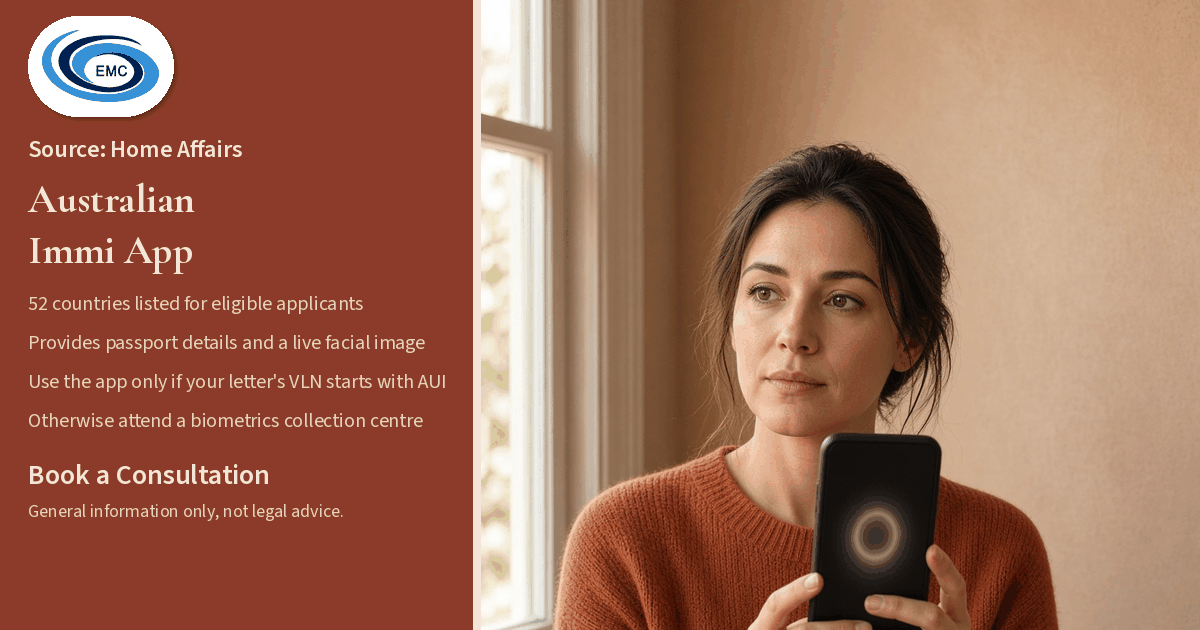
The Department of Home Affairs' Australian Immi App page, last updated on 17 November 2026, lists 52 countries where eligible visa applicants can use the Australian Immi App to provide their passport details and a live facial image. The listed countries include India, Laos, Mongolia, Myanmar and Vietnam. New Zealand and Somalia are listed for third-country nationals only.
This is a Home Affairs processing change. It is not a change in law.
Who can use the app
To provide identity information using the Australian Immi App, Home Affairs says you need to have a Requirement to provide personal identifiers (biometrics) letter with a Visa Lodgement Number (VLN) commencing with AUI, and a valid passport.
If your VLN does not commence with AUI, you must attend an Australian Biometrics Collection Centre (ABCC) to provide your personal identifiers.
If you are submitting an identity check for more than one family member, each person has their own VLN. Home Affairs says you should enter the correct VLN for each person.
What the app collects
Home Affairs says the app is used to provide your passport details and a live facial image.
Home Affairs says the Australian Immi App sends your passport details and facial images to the Department of Home Affairs, and that the app does not store your data after submission.
Once you have completed all required steps in the app, Home Affairs says you will see a final screen confirming that your information has been successfully submitted to the department, and that you do not need to attend an ABCC. If the department needs any more information after you submit your identity check, it will contact you with more instructions.
Home Affairs also says ImmiAccount will be updated within 24 hours of your submission.
Phone requirements
Home Affairs says your smartphone (iOS or Android) must have a steady mobile or Wi-Fi internet connection, and must allow the Australian Immi App to access your phone camera, have Near-Field Communication (NFC) enabled, and have location services made available for the app. To confirm whether your device is compatible, see the instructions in the Apple App Store or Google Play Store.
You can download the Australian Immi App from the Apple App Store or Google Play Store.
How the identity check works
Home Affairs sets out these steps, in order:
- Provide your Visa Lodgement Number (VLN). Your VLN is on the biometrics letter. The code starts with AUI and includes letters and numbers. You can scan the barcode on the letter or enter the code manually.
- Scan the passport data page and chip. If your passport does not contain a chip, the chip-reading step will not be required.
- Confirm that the passport information matches your passport. If it does not, you must rescan your passport.
- Take an applicant photo. Home Affairs advises standing in front of a light-coloured wall, with no objects in the background, framing your face in the highlighted oval, facing forward and looking directly at the camera, with your eyes open and visible. Remove your glasses if practical, avoid shadows on your face, and make sure nothing is covering your face or eyes and that no other objects or people are in the photo. You will have an opportunity to review your photo and retake it if required. If, after several attempts, you are still unable to provide a photo, see your biometrics letter, which explains how to provide your biometrics at an ABCC.
- Submit the identity check. If you would like an email to confirm submission, enter your email address in the field provided.
The 52 countries listed by Home Affairs
Home Affairs lists the following 52 countries where eligible visa applicants can use the app:
Albania; Algeria; Bahrain; Bhutan; Bosnia and Herzegovina; Cambodia; Colombia; Egypt; Ethiopia; Eswatini; Fiji; France; Ghana; Greece; Hong Kong (Special Administrative Region of the People's Republic of China); India; Iran; Iraq; Jordan; Kuwait; Laos; Lebanon; Lesotho; Malaysia; Mexico; Mongolia; Myanmar; Nepal; New Zealand (third-country nationals); Oman; Pakistan; Papua New Guinea; Peru; Philippines; Qatar; Samoa; Saudi Arabia; Singapore; Solomon Islands; Somalia (third-country nationals); South Africa; South Korea; Sri Lanka; Thailand; Tonga; Türkiye; Tuvalu; Uganda; United Arab Emirates; Vanuatu; Vietnam; and Zimbabwe.
New Zealand and Somalia appear on that list for third-country nationals only.
Official source
The facts in this article are taken from the Department of Home Affairs page "Australian Immi App", last updated on 17 November 2026.
Australian Immi App, Department of Home Affairs
This is a Home Affairs processing change, not a change in law. Speak to a registered migration agent about your situation.
Related information
To talk about your situation, Book a Consultation from the top of this page, or message us on WhatsApp on +61 478 278 410.
General information only, not legal advice. EMC Australia, MARN 1800335.